See here: How to add an admin user to your WordPress using Virtualmin
Or the generic instructions here: https://wp-staging.com/how-to-create-an-admin-user-with-mysql-in-wordpress/

Quality cloud hosting and custom servers you can depend on
See here: How to add an admin user to your WordPress using Virtualmin
Or the generic instructions here: https://wp-staging.com/how-to-create-an-admin-user-with-mysql-in-wordpress/
If you’ve lost access to your WordPress admin account, you can reset their password, or create a new user with admin privileges. Here are the instructions to add an admin user using Virtualmin.
Here are some quick instructions (for the detailed instructions see below):
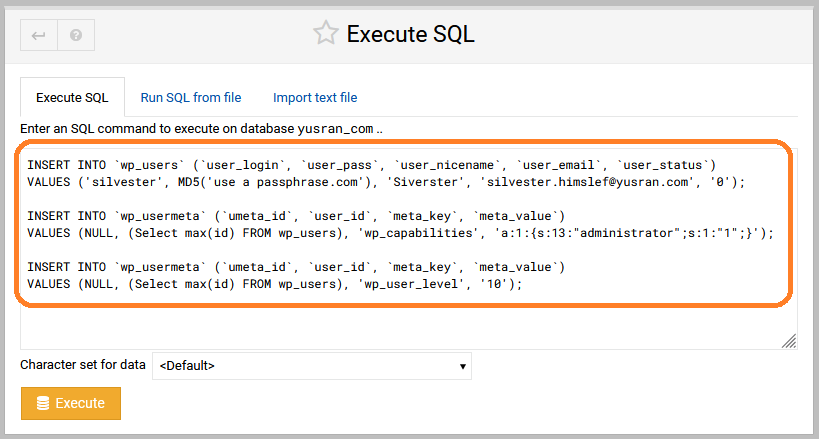
Run the follwing SQL script under the desired site’s database. Make sure to replace the distinguished text with the desired values, and keep the quotes exactly as shown here.
INSERT INTO `wp_users` (`user_login`, `user_pass`, `user_nicename`, `user_email`, `user_status`)
VALUES ('SomeNewUserName', MD5('SomeLongPassPhrase'), 'DisplayNameForUser', 'EmailAddressForNewUser', '0');
INSERT INTO `wp_usermeta` (`umeta_id`, `user_id`, `meta_key`, `meta_value`)
VALUES (NULL, (Select max(id) FROM wp_users), 'wp_capabilities', 'a:1:{s:13:"administrator";s:1:"1";}');INSERT INTO `wp_usermeta` (`umeta_id`, `user_id`, `meta_key`, `meta_value`)
VALUES (NULL, (Select max(id) FROM wp_users), 'wp_user_level', '10');SET @user_id = (SELECT id FROM wp_users WHERE user_login = 'SomeExistingUserName');
DELETE FROM wp_users WHERE id = @user_id;
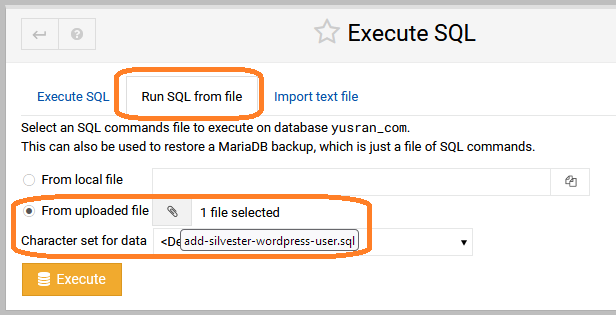
DELETE FROM wp_usermeta WHERE user_id = @user_id;Using the SQL code execution service in Virtualmin is buggy (as of 2023-07-30). The code must be run from a file.
wp-config.php, and view its contents to see what’s the database name.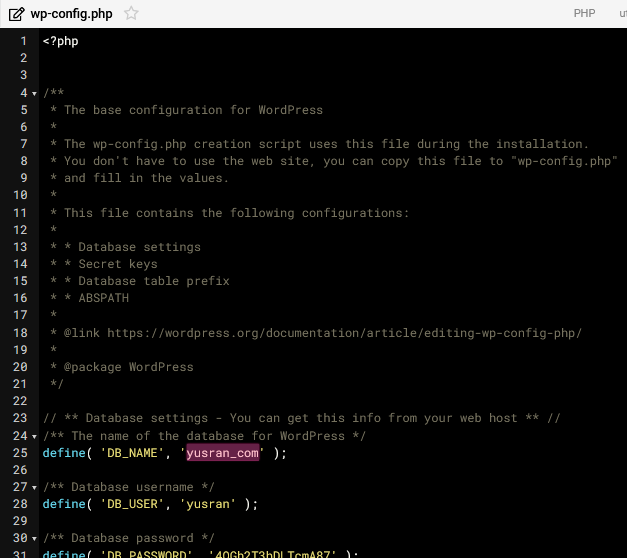
Manage next to the database you found in the previous step.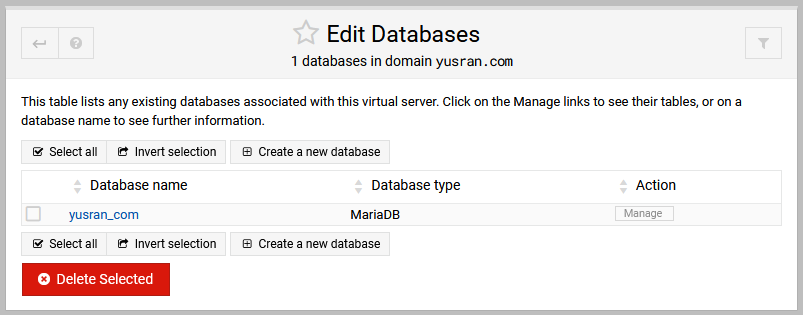
Excute SQL.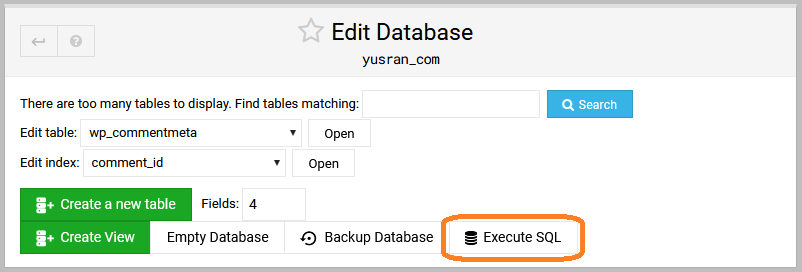
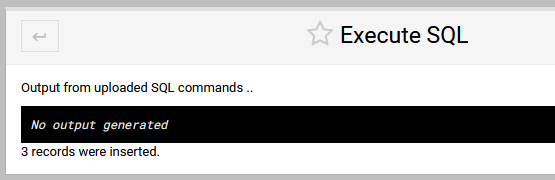
Run SQL from file, and upload a text file that contains your query.